
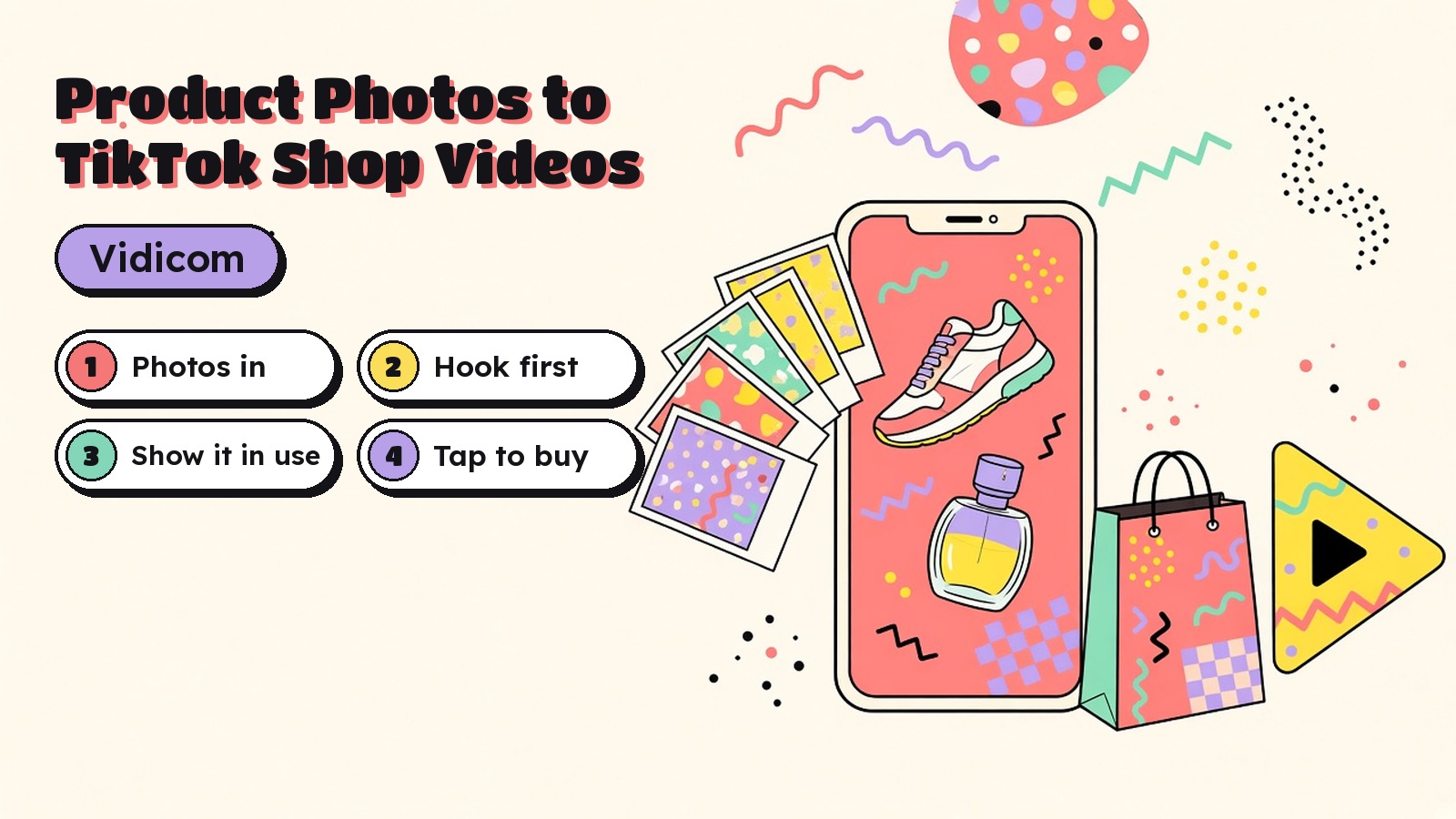
Most small sellers have the same problem. They have good product photos. What they don't have is video, and TikTok Shop runs on video.
Shooting a new clip for every product, every angle and every week isn't realistic when you're also packing orders and answering messages. So in this guide I'll show you how I turn the photos you already have into TikTok Shop product videos, and how I reuse the same work for Instagram Reels.
I'll use Vidicom, the AI product video app my team at Teknikforce makes. I'll also show you where TikTok's own tools fit, so you can pick the route that suits you.
If you sell on your own store as well, my guide to making product videos for your online store covers the six videos every store needs. This post is only about short, vertical videos that sell inside TikTok Shop and Reels.
Why a TikTok Shop product video beats a photo
On TikTok Shop, a video can carry a product link. Someone watches, taps and buys without leaving the app. TikTok calls these shoppable videos, and in Seller Center they have their own section under LIVE and Video.
A photo shows what the product looks like. A video shows what it's like to own it. It can show scale, movement, texture and the moment the product solves a problem. That's what makes people stop scrolling and tap.
The good news is that you don't need a camera crew to make one. You need clear photos, a strong hook and a tool that turns the two into a vertical video.
Ways to make a TikTok Shop video from photos
Here's how the main options compare. I've kept prices to what I could confirm on each site.
| Option | Where you start | Effort | Voiceover and music | Price |
|---|---|---|---|---|
| Vidicom | A product URL or your own photos | Low, it writes the script and builds the video | Ready voices, voice cloning, music library or AI music | $6.99/month or $67/year |
| TikTok Seller Center auto generate | Product images and selling points you enter | Low, but tied to TikTok | Basic, with editing in CapCut | Check Seller Center |
| CapCut templates | Photos dropped into a template | Medium | Template music | Check site |
| Shooting it yourself | Your phone and the product | High | You record it | Your time |
| Hiring a creator | A brief and a sample | Low for you, slower overall | The creator handles it | Varies by creator |
TikTok's own auto generate tool is worth knowing about. Its seller guide says you select a product, describe its selling points, add images and generate a video you can download, edit in CapCut or upload. It's handy for quick tests. I use Vidicom when I want more control over the script, the voice and the number of versions, and when I want the same videos for Reels, Shorts and my own store.
What you need before you start

Your video can only be as good as your photos. Before I open any tool, I gather these.
- A clean front shot on a plain background.
- Two or three angles, like the side, the back and the top.
- One close up of the detail that sells it, such as a texture, a button or a label.
- One in use shot if you have it, like the mug in a hand or the bag on a shoulder.
- Your listing page, with the title, features and specs written accurately.
Sharp, well lit photos matter more than fancy ones. If a label is blurry in the photo, it'll be blurry in the video.
Step 1. Start from your product page or your photos
In Vidicom, I start a new campaign and paste the product URL. Vidicom reads the page and pulls out the product images, features and specs. That alone saves me from retyping the listing.
If the product isn't live yet, or the page photos aren't great, I upload my own product images instead. Vidicom lets you add as many custom graphics as you like, so I also add my logo and any lifestyle shots I have.
Step 2. Choose a vertical video for TikTok and Reels
Vidicom supports all the popular video sizes, so I pick vertical for TikTok Shop, Instagram Reels and YouTube Shorts. It can also make longer videos for YouTube and Facebook, but for TikTok Shop I keep things short and fast.
Then I choose the kind of video. For most products I start with one of these.
- A showcase video that walks through the product's features and photos.
- An animated video where Vidicom brings the still photos to life with motion.
- A real world video that shows the product in a realistic setting, like a kitchen or a desk.
Vidicom writes the script, creates the visuals, animates them and puts the video together. My job is to make the opening seconds great.
Step 3. Write a hook that stops the scroll

The hook is the first line people hear and the first thing they see. If it doesn't land, nothing after it matters.
I always write the hook myself, even when the AI drafts the rest. These are the formulas I come back to, with example lines for a simple product like a stackable food container.
- Call out the problem. "If your pantry looks like this, watch."
- Show the result first. Open on the tidy shelf, then rewind to the mess.
- Ask a pointed question. "Why do containers never stack?"
- Make a bold, true promise. "One lid fits every size in this set."
- Use a before and after. Split the screen and let the picture talk.
- Speak to one person. "For anyone who meal preps on Sunday."
- Point at a detail. Zoom straight into the locking lid.
- Answer an objection. "Yes, it's microwave safe. Here's the label."
- Use a comparison. Show your product next to the thing it replaces.
- Tell them what to do. "Tap the product link to see the sizes."
Keep every claim honest. A still photo can't prove a product is unbreakable, so don't say it is unless you can back it up. Shoppers notice, and so do platforms.
Step 4. Edit the script, voice and music
Once Vidicom builds the first version, I go through it scene by scene. Vidicom gives you full control here. You can tweak the animations, re-order the scenes, add your own text on screen and swap any image.
A few edits I almost always make.
- Put the hook text on screen. Lots of people watch with the sound off.
- Pick a voice that fits the buyer. Vidicom has ready voices, and you can clone a voice or describe the one you want.
- Choose the music. Use the built in library, upload a track you're allowed to use, or make an original one with AI.
- Change the language if you sell in more than one market.
Step 5. Make one video per angle
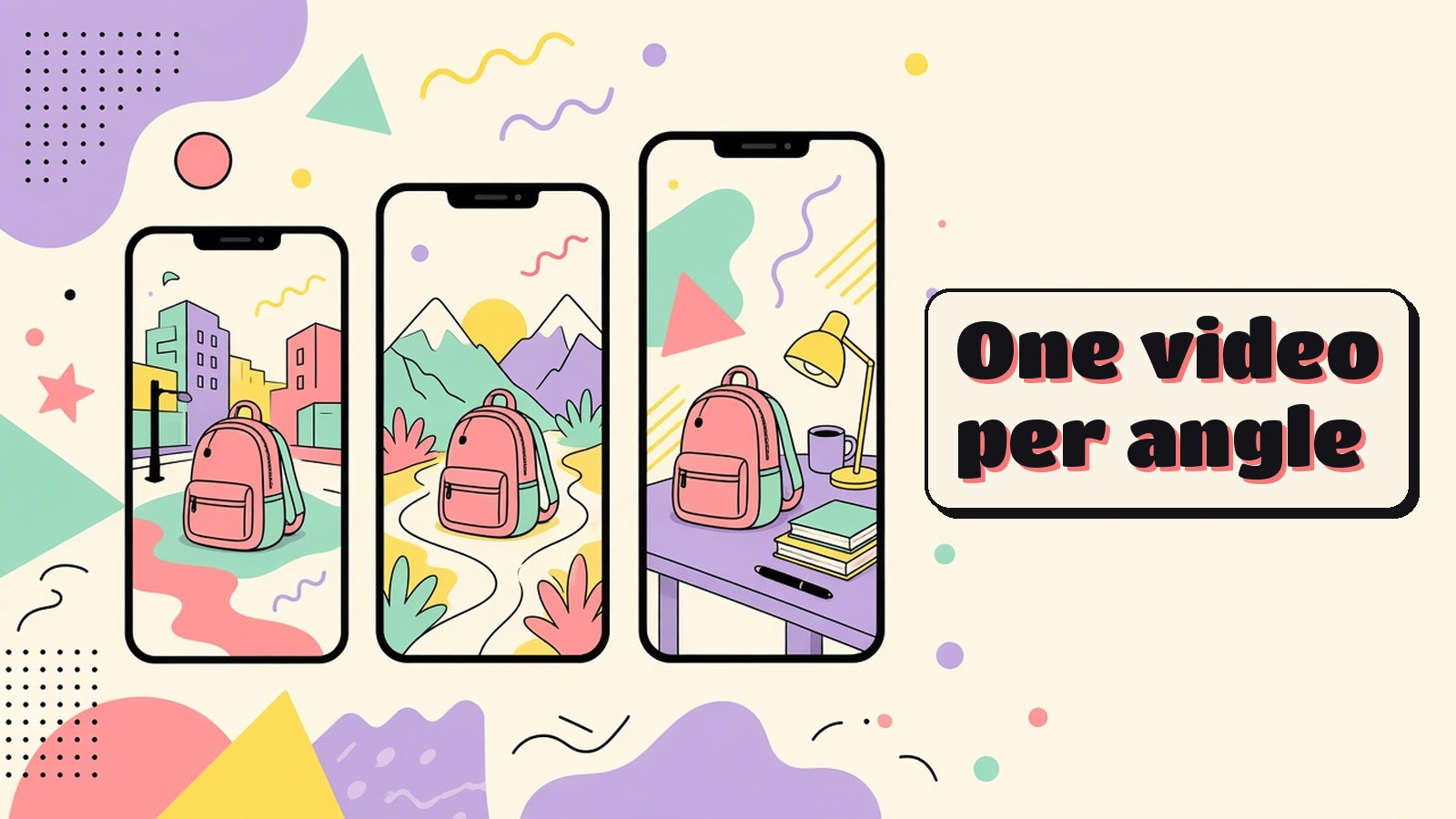
This is the step I'd never skip. Don't make one video and hope. Make several, each with a different angle.
For a backpack, that could mean one video for commuters, one for hikers and one for students. Same photos, different hook, different setting, different reason to buy. Vidicom makes it easy to create fresh versions with one click, so this doesn't take all day.
There's another reason to do this. TikTok Shop's own seller guide for its AI video maker warns against reusing the same images and videos for the same product, because videos that look too similar may be treated as repetitive and shown less. Varying the angle, the opening scene and the setting keeps each video distinct.
Step 6. Post to TikTok Shop and Reels

When the video is ready, I export it from Vidicom and post it. On TikTok Shop, the seller guide lists these steps.
- Go to Seller Center, then LIVE and Video, then Shoppable Videos.
- Click Create video, then Upload to TikTok.
- Select your video, add a description and choose the products to link.
- Click Submit.
For Instagram Reels, I post the same vertical video with a caption that matches the hook. I don't reuse the TikTok caption word for word. Each platform has its own tone.
What I watch after posting
I don't judge a video on views alone. I look at four things.
- Did people keep watching past the hook? If not, I rewrite the first line.
- Did they tap the product? If they watched but didn't tap, the offer or the call to action needs work.
- Did they buy? This is the number that pays the bills.
- Which angle won? I make more videos like the winner and drop the losers.
Then I repeat. A steady stream of new angles beats one perfect video every time.
Mistakes I see sellers make
- Tiny products in the frame. If people can't see it on a phone, they won't buy it.
- Hooks that tease but never pay off. Get to the product fast.
- Claims you can't prove. Stick to what the listing and the photos show.
- Music you don't have rights to. Use licensed tracks or original AI music.
- Posting the same video everywhere with no changes. Small edits for each platform go a long way.
If you're planning seasonal pushes, my list of Black Friday video ad ideas has more angles you can borrow. And if you want to compare tools, see my roundup of AI product video generators for ecommerce.
A few common questions
Can I make a TikTok Shop video with only photos? Yes. Tools like Vidicom animate your product photos, add a script, voice and music, and give you a vertical video ready to post.
Do I need to show my face? No. A product video can be all product, with a voiceover and text on screen.
Can I use UGC style clips? Vidicom can add UGC clips to videos, but its sales page says the Elite plan doesn't include UGC content, so check which plan you're on.
Does Vidicom work on Mac? Yes. Vidicom is a desktop app that runs on both PC and Mac.
Who owns the videos I make? Vidicom's site says all AI generated content belongs to the creator. The Elite version is for your own products or content you have rights to.
How much does Vidicom cost? Vidicom is $6.99 a month or $67 a year. See the Vidicom site for current plans.
Turn your product photos into videos that sell
You already have what you need to start selling with video on TikTok Shop. Clear photos, an honest hook and a few different angles will take you further than one expensive shoot.
If you want to go from a product page or a folder of photos to ready to post vertical videos, Vidicom is what I recommend. It writes the script, animates your photos, adds the voice and music and lets you make a fresh version for every angle, for $6.99 a month or $67 a year. Get Vidicom and make your first TikTok Shop video today.