
Black Friday 2026 lands on November 27. That's less than a month away.
Every store will be shouting about deals. The feed will be packed. And static images with "50% OFF" slapped on top will get scrolled past in a heartbeat.
Video is how you stop the thumb. Here are 12 Black Friday video ad ideas that any online store can make, even without a camera or an editor.
Key Dates for Black Friday 2026
| Day | Date |
|---|---|
| Black Friday | Friday, November 27 |
| Small Business Saturday | Saturday, November 28 |
| Cyber Monday | Monday, November 30 |
Many shoppers start looking for deals long before the big day, so the smart move is to start your videos in early November, not the night before.
Why Video Ads Win on Black Friday
- They stop the scroll. Movement grabs attention in a feed full of still images.
- They show the product. Shoppers can see the size, the use and the quality before they buy.
- They fit every platform. TikTok, Reels, Shorts, Facebook and YouTube all push video hard.
- They sell on mobile. Most Black Friday shopping happens on phones, where short vertical video feels natural.
Deloitte expects US holiday online sales to grow again this year. The stores that grab the biggest share will be the ones that show up in the feed with something worth watching.
12 Black Friday Video Ad Ideas
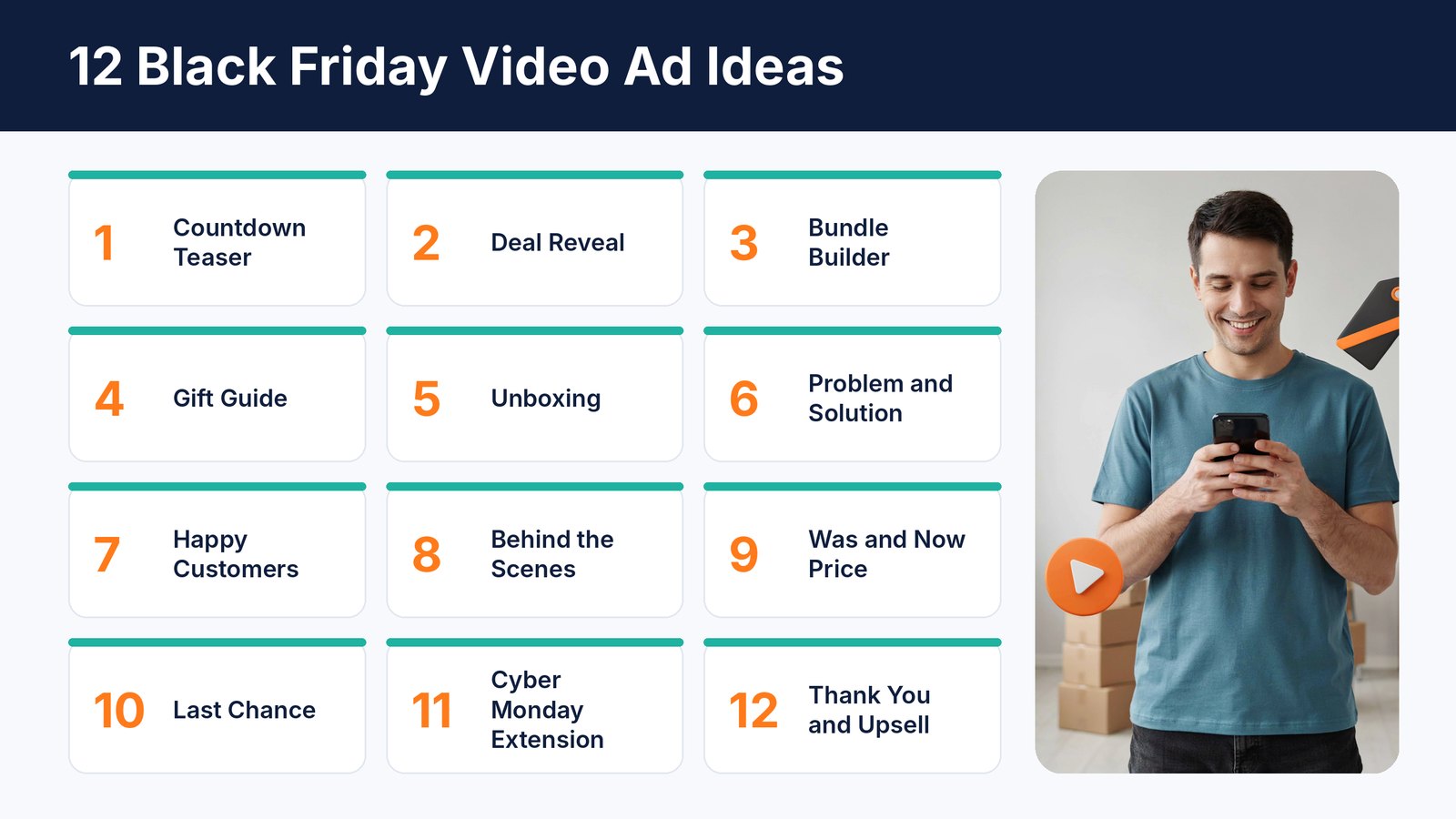
1. The Countdown Teaser
Start a week or two early. A short video that says "Something big is coming on November 27" with quick flashes of your products builds curiosity.
Ask people to join your email list or follow you so they get the deal first.
2. The 15-Second Deal Reveal
Show the product, then show the deal. Simple and fast. Lead with the product looking great, then hit them with the price or discount in big text in the last few seconds.
A quick script you can copy. Product on screen. "Our best seller." Close-up of the details. "Usually $49." Big text. "$29 this Black Friday only." Shop button.
3. The Bundle Builder
Bundles are a Black Friday favourite. Show items appearing one by one and adding up to a bigger value, then reveal the bundle price. It makes the deal feel generous.
4. The Gift Guide
Many Black Friday shoppers are buying for someone else. A "gifts for dad" or "gifts under $50" video helps them decide fast. One store can make several of these for different people and budgets.
Tip. Keep each gift guide to five products or fewer, and show the price for each one. Shoppers in gift mode want quick answers, not a catalogue.
5. The Unboxing
People love seeing what arrives in the box. A clean unboxing video shows quality, packaging and everything that's included. It also answers questions before they're asked.
No time to film? A clean product video that zooms in on each item and part works almost as well.
6. Problem and Solution
Open with a common problem your product solves. Tangled cables. Cold coffee. Messy closets. Then show your product fixing it. End with the Black Friday offer.
This works for almost any useful product.
7. Happy Customers
Real reviews sell. Put your best star ratings and short customer quotes on screen over product shots. If you have photos or clips from real customers, even better.
Social proof matters more than ever on Black Friday, when shoppers are trying many new stores for the first time and want to know you're trustworthy.
8. Behind the Scenes
Small stores have a secret weapon on Small Business Saturday. Show the people behind the brand, the packing table or the workshop. It reminds shoppers that buying from you supports a real small business.
9. The Was and Now Price
Shoppers want proof of a real deal. Show the regular price, cross it out, and reveal the Black Friday price. Keep it honest. Only show a regular price you actually charged.
Watch the rules too. Many countries have laws about reference prices in sales, so a fake "was" price can land you in trouble as well as cost you trust.
10. The Last Chance
Urgency works. On the final day of your sale, run a short video that says the deal ends tonight. Use a ticking clock or a countdown on screen.
11. The Cyber Monday Extension
Missed Black Friday? Lots of shoppers did. A quick video saying "We extended our deal through Cyber Monday" gives them a second chance and gives you a second sales spike.
You can reuse your Black Friday videos here. Just change the end card to say Cyber Monday.
12. Thank You and the Next Offer
After the rush, thank your new customers with a short video. Mention a holiday shipping deadline or a small offer on a related product. It keeps the sales coming into December.
Hooks That Stop the Scroll
The first second decides everything. If the opening doesn't grab attention, nobody sees your deal. Here are a few hooks that work well for Black Friday.
- "Our biggest sale of the year starts now"
- "The gift they'll actually use"
- "Stop scrolling if you need [problem solved]"
- "We never discount this, except today"
- "3 gifts under $30 that look expensive"
- "Last chance, this deal ends at midnight"
Pair each hook with a strong first image. The product in action, a surprising close-up or a big price number all work.
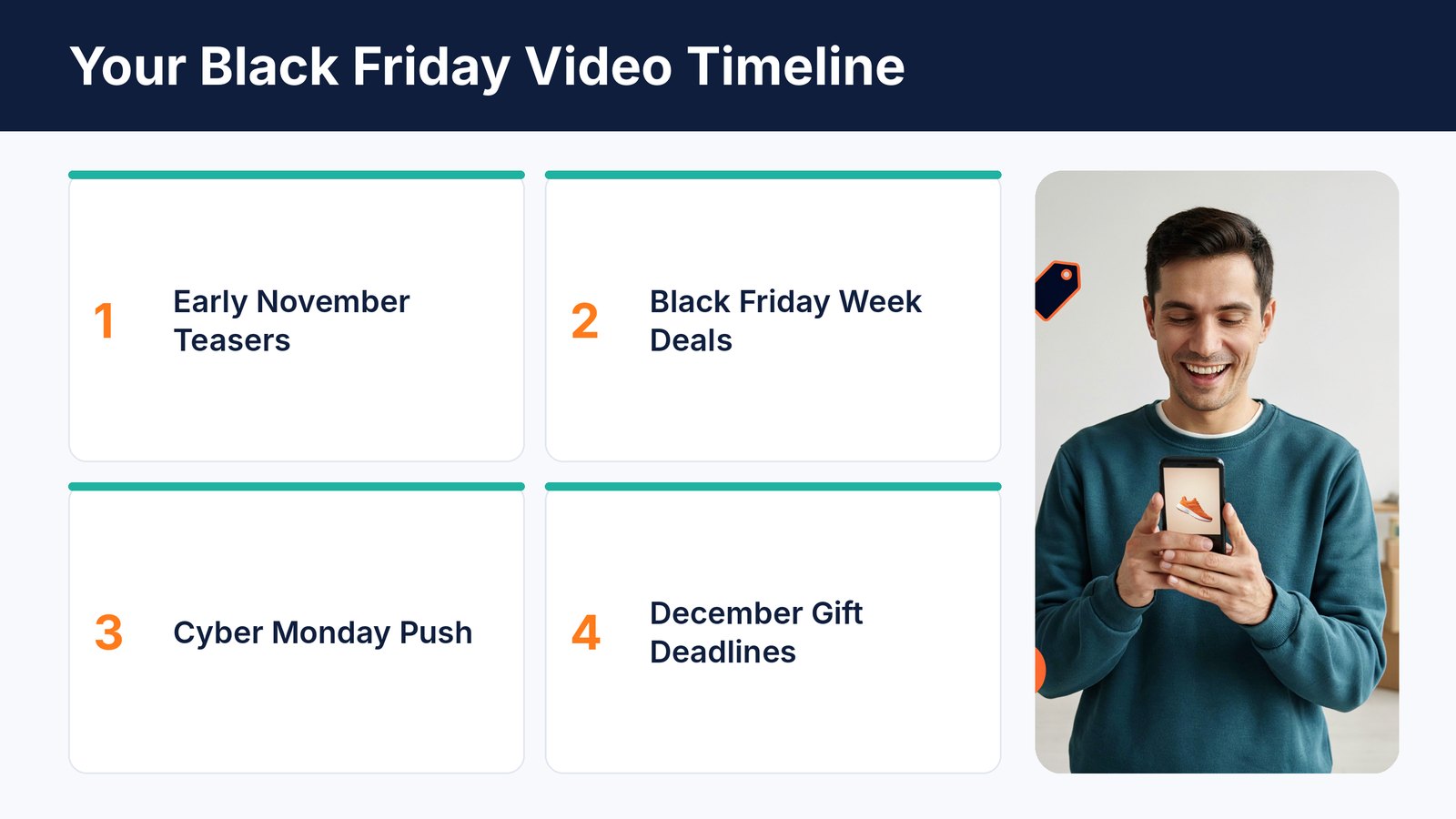
A Simple Video Timeline
| When | Which Videos |
|---|---|
| Early November | Countdown teasers, gift guides, behind the scenes |
| Black Friday week | Deal reveals, bundles, was and now prices, unboxings |
| Black Friday weekend | Happy customers, problem and solution, Small Business Saturday story |
| Cyber Monday | Extension video and last chance video |
| December | Thank you videos and shipping deadline reminders |
The Right Format for Each Platform
| Platform | Best Shape | Good Length |
|---|---|---|
| TikTok, Reels and Shorts | Vertical 9 by 16 | 15 to 30 seconds |
| Facebook and Instagram feed | Square or 4 by 5 | 15 to 30 seconds |
| YouTube | Wide 16 by 9 | 1 to 3 minutes |
| Your product pages | Square or wide | 30 to 60 seconds |
You don't need a different idea for every platform. Make one video, then resize it for each place.
Tips for Black Friday Video Ads That Sell
- Hook in the first second. Show the product or the deal right away.
- Design for sound off. Add captions and big on-screen text.
- One offer per video. Don't cram five deals into fifteen seconds.
- Make several versions. Test different hooks and angles, then put more money behind the winners.
- Match the landing page. The deal in the video should be the first thing people see when they click.
- Start early. Ad costs usually climb as Black Friday gets closer, so warm up your audience before prices peak.
How to Test Your Video Ads
Don't guess which video will win. Let your shoppers decide.
Start with three or four versions of the same offer, each with a different hook or angle. Give them a small budget for a couple of days. Then move your money to the one with the best cost per sale and turn off the rest.
Start this in early November, and by Black Friday you'll already know which videos sell. That's when you spend big.
Use Your Videos Beyond Ads
Don't let your Black Friday videos live only in ads. Put them to work everywhere.
- Product pages. A video on the page helps shoppers decide without leaving.
- Email. A thumbnail with a play button in your Black Friday email gets attention.
- YouTube and Google. Product videos can show up in search results and bring free traffic long after the sale.
- Organic social. Post the same videos to your own TikTok, Instagram and Facebook pages for free reach.
One video, five places. That's how small stores get more out of every minute they spend.
Mistakes to Avoid
- Waiting until Black Friday week. By then the feed is crowded and ads cost more.
- Making only one video. One tired ad shown again and again stops working fast.
- Hiding the deal. If viewers can't see the offer in a few seconds, they move on.
- Forgetting shipping deadlines. Gift buyers need to know their order will arrive in time.
- Sending clicks to the homepage. Link each video straight to the product or deal it shows.
How to Make All These Videos Fast With Vidicom
Twelve video ideas sound great. Making them is the hard part, especially in the busiest month of the year.
That's why we built Vidicom. It's our own AI product video maker at Teknikforce.

Paste your product link from Shopify, Amazon, Etsy, WooCommerce or another store. Vidicom reads the page, writes the script, creates the visuals, adds animation and records the voiceover. You get a finished product video in minutes.
Need a vertical Short for TikTok and a longer video for YouTube? It makes both, up to 7 minutes long, in any shape. You can tweak scenes, change the text, swap images and make several versions to test different Black Friday angles.
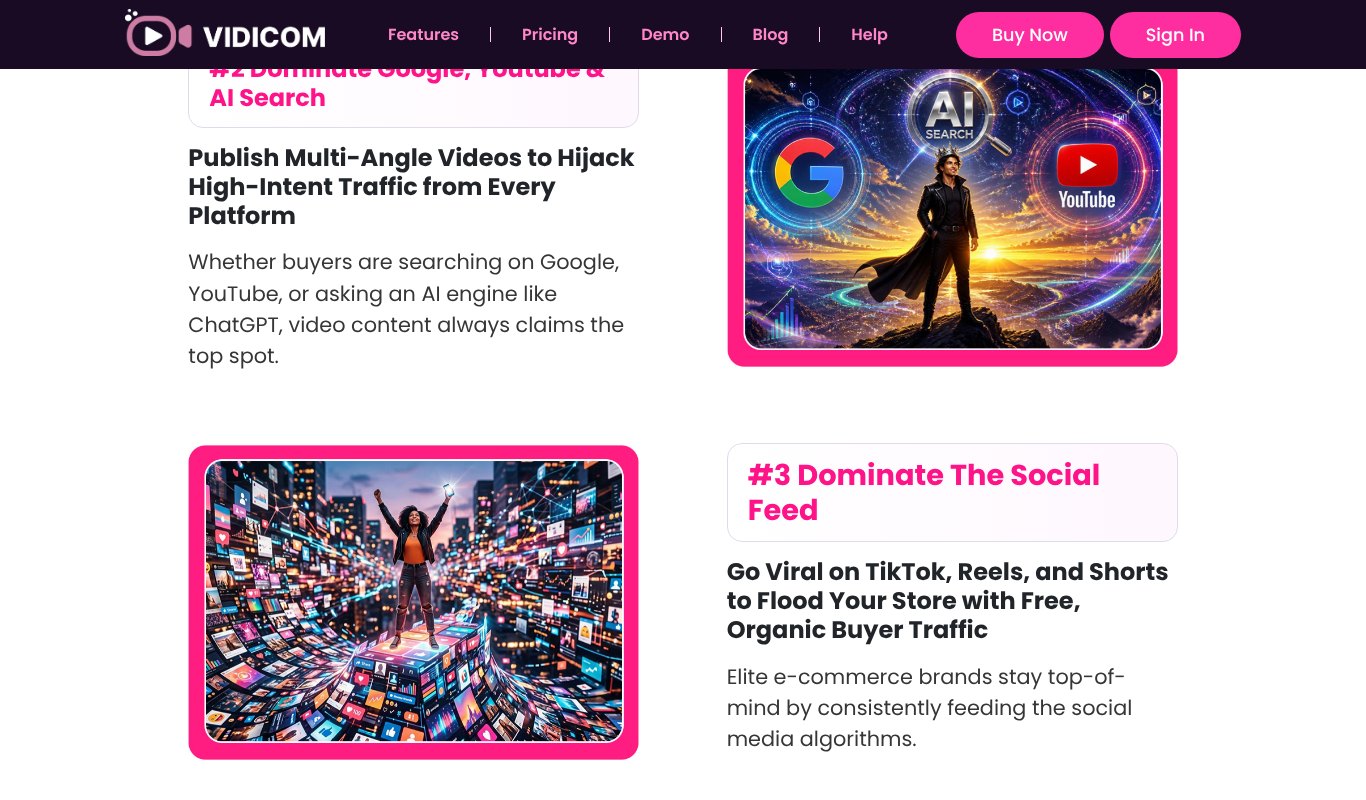
- Turns a product link into a finished video
- Script, visuals, animation and voiceover done by AI
- Vertical, square and wide videos up to 7 minutes
- Many languages, ready voices or a cloned voice
- Easy edits and multiple versions for testing
- No per-video charges
Pricing $5.58 a month, paid yearly ($67 a year), or $6.99 month to month, with a 30-day money-back guarantee.
That's less than many stores spend on a single boosted post.
Black Friday Video Checklist
- Pick your Black Friday offers and bundles
- Make a countdown teaser for early November
- Make deal reveal videos for your best sellers
- Make at least one gift guide video
- Resize each video for TikTok, Reels, Shorts, Facebook and YouTube
- Add captions and big on-screen text
- Prepare a last chance and a Cyber Monday video
- Schedule a thank you video for December
Final Thoughts
Black Friday rewards the stores that show up early and stand out. Video is the easiest way to do both.
Start with two or three ideas from this list. A countdown teaser, a deal reveal and a last chance video already cover the whole sale.
And if you want to turn every product into a video without a camera, an editor or a big budget, give Vidicom a try before November 27.
FAQs About Black Friday Video Ads
When is Black Friday 2026?
Black Friday is on Friday, November 27, 2026. Small Business Saturday is November 28 and Cyber Monday is November 30.
When should I start running Black Friday ads?
Start teasers in early November. Many shoppers begin hunting for deals weeks ahead, and starting early helps you build an audience before ad costs climb.
How long should a Black Friday video ad be?
For social feeds, 15 to 30 seconds is plenty. Longer videos of a minute or more work well on YouTube and product pages.
Do I need a camera to make product videos?
No. AI tools like Vidicom can create product videos from your existing product page, photos and text.
How many Black Friday videos should I make?
At least three. A teaser, a deal reveal and a last chance video cover the full sale. If you can, make a few versions of each so you can test which hooks work best.
Do video ads work for small stores?
Yes. Short, simple product videos often perform as well as expensive productions, especially on TikTok, Reels and Shorts, where real and simple content fits right in.